
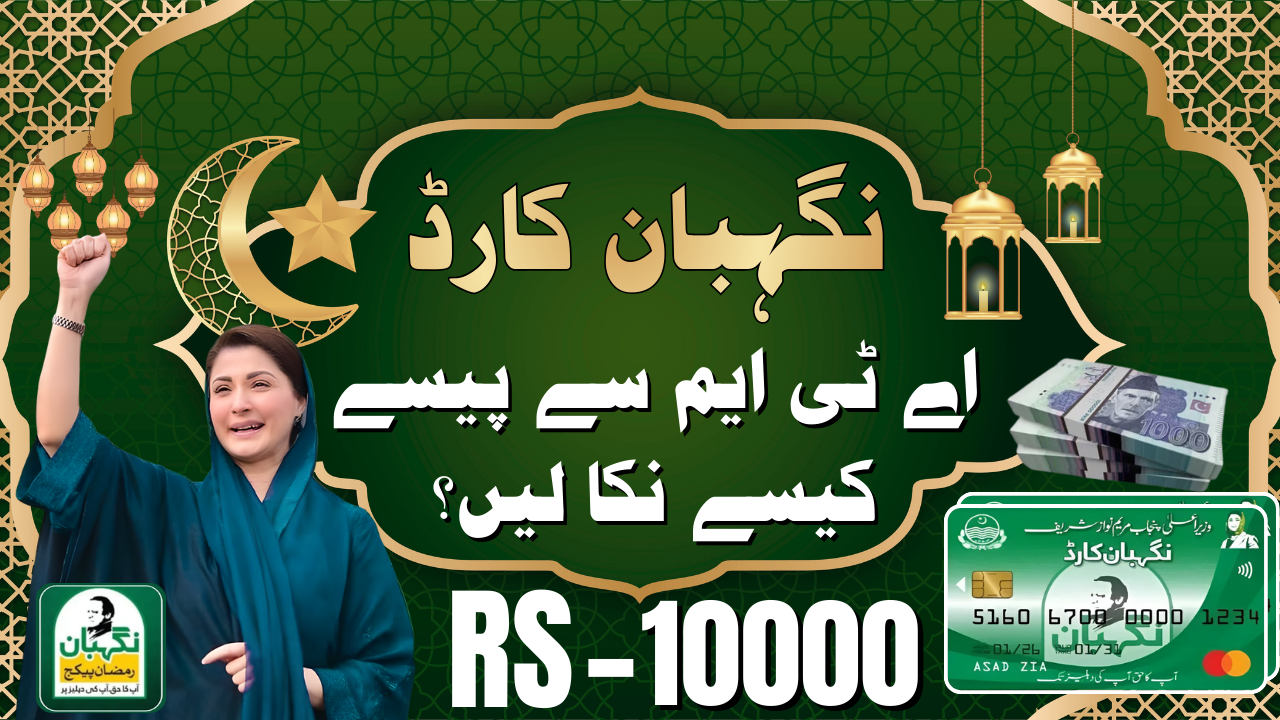
The wait is finally over for millions of families across Punjab. If you have received your Nigehban Card Rs.10000 Withdrawal under the Ramadan Relief Package 2026, you are now eligible to withdraw Rs. 10,000 in cash assistance. However, simply having the card is not enough. Without completing the activation process and knowing the correct withdrawal steps, your funds will remain locked. This comprehensive guide explains the exact procedure to withdraw your money from ATMs safely and quickly. Whether you are facing “Card Inactive” errors or don’t know how to set your PIN, this article provides 100% authentic solutions to get your cash in hand today.
Key Information
Here is a quick overview of the Nigehban Card withdrawal process and program details:
| Feature | Details |
| Program Name | Nigehban Card Rs.10000 Withdrawal 2026 |
| Financial Assistance | Rs. 10,000 per family |
| Coverage Area | Punjab (All Districts) |
| Payment Method | ATM-Based Digital Card System |
| Withdrawal Network | All 1-Link ATMs (HBL, UBL, MCB, BOP, Allied Bank) |
| Verification Method | CNIC, Biometric, or OTP Confirmation |
| Official Helpline | 0800-02345 (Toll-Free) |
| Official Portal | pser.punjab.gov.pk |
Who is Eligible for the Nigehban Card Rs.10000 Withdrawal?
You can withdraw the Rs. 10,000 assistance if you meet the following criteria :
- SMS Confirmation Received: You received an official eligibility SMS from 8070.
- Card Collected: You have physically collected your Nigehban Card from a designated center or doorstep team.
- Card Activated: Your card has been successfully activated through biometric or OTP verification.
- Valid CNIC: Your CNIC is valid and not expired as per NADRA records.
- Registered Mobile Number: The SIM card in your phone is registered under your own CNIC.
Note: Without completing the Nigehban Card Rs.10000 Withdrawal activation process, you cannot withdraw the Rs. 10,000 assistance. The card remains inactive until you verify your identity.
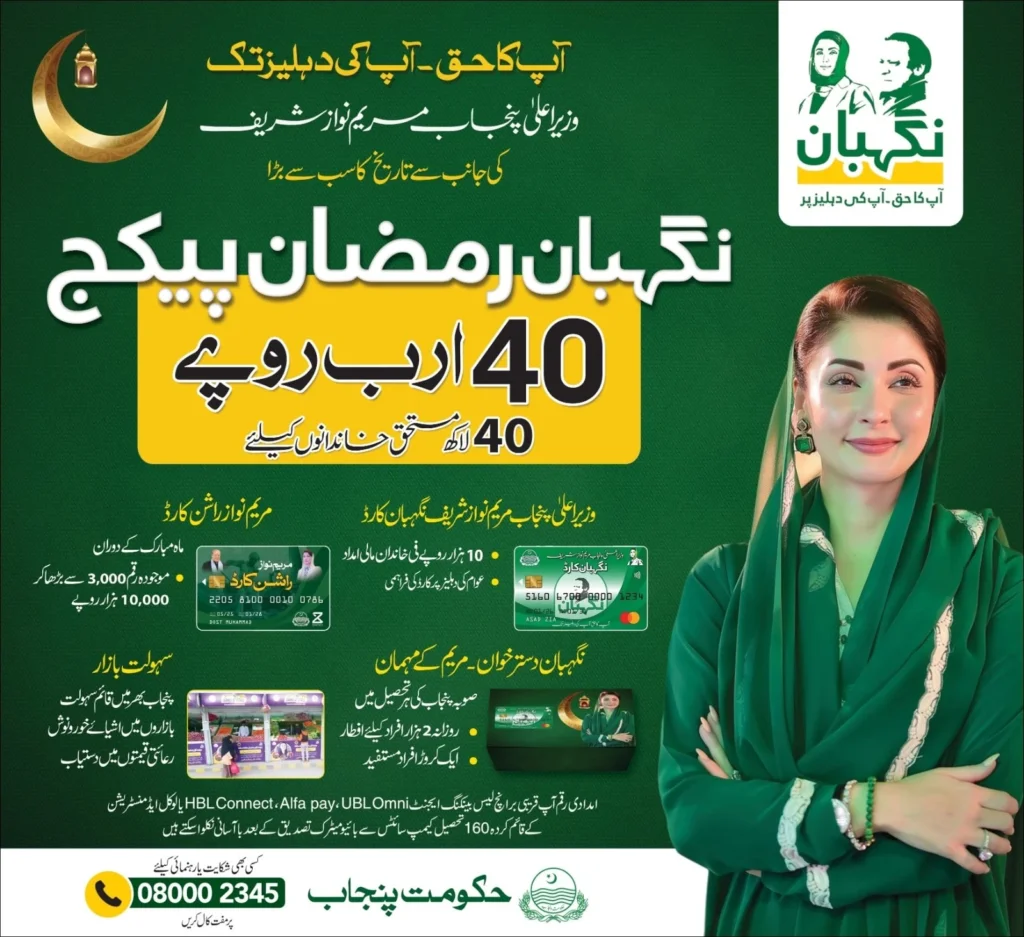
How to Withdraw Rs. 10,000 from ATM?
Follow these official steps carefully to withdraw your cash safely:
Step 1: Ensure Your Card is Activated
Before visiting an ATM, make sure your Nigehban Card is active. If you haven’t activated it yet:
- Visit a biometric-enabled ATM (BOP, HBL, UBL, etc.)
- Insert your card and complete biometric or OTP verification
- Set your 4-digit secret PIN
Step 2: Visit Any 1-Link ATM
Once activated, you can use any ATM that supports the 1-Link network. This includes:
- Bank of Punjab (BOP)
- Habib Bank Limited (HBL)
- United Bank Limited (UBL)
- MCB Bank
- Allied Bank
- And all other 1-Link partner banks
Step 3: Insert Your Card
Insert your Nigehban Card into the ATM card slot. The machine will read the chip and display a language selection screen. Choose Urdu or English.
Step 4: Enter Your 4-Digit PIN
The screen will ask: “Please enter your PIN.” Type the 4-digit secret code you created during activation. Ensure no one is watching you enter the numbers.
Step 5: Select Cash Withdrawal Option
After PIN verification, the main menu appears. Select:
- “Cash Withdrawal” (usually Option 1)
- Or choose “Fast Cash” for quick amount selection
Step 6: Enter the Amount
Type 10,000 as the withdrawal amount. The ATM will check if sufficient balance is available in your card.
Step 7: Collect Your Cash and Receipt
- The ATM will dispense the cash. Count it immediately before leaving the cabin.
- Collect the printed transaction slip for your records.
- Take your card back from the machine.
Important: If the ATM asks “Do you want another transaction?” select “No” to end the session.
Important Safety Guidelines for Withdrawal
Scammers are actively targeting Nigehban Card Rs.10000 Withdrawal in 2026. Follow these safety rules to protect your grant:
- Never Share Your PIN: No bank employee or government official will ever ask for your 4-digit PIN. Keep it secret.
- Do Not Accept Help from Strangers: If you need assistance, ask the bank guard or an official staff member inside the branch.
- Cover the Keypad: When entering your PIN, use your other hand to cover the keypad from hidden cameras.
- Check Cash Immediately: Count the money inside the ATM cabin before leaving. If there is a shortage, report it to the bank immediately.
- Ignore Fake Messages: Do not respond to SMS or calls from unofficial numbers asking for personal details.
- No Fees for Withdrawal: Withdrawing your own money is free. If any agent asks for a “commission,” report them to 0800-02345 .
How to Check Your Nigehban Card Balance?
Before withdrawing, you may want to check your available balance:
Method 1: ATM Balance Inquiry
- Insert your card at any 1-Link ATM
- Enter your PIN
- Select “Balance Inquiry” option
- The screen will display your available balance
Method 2: SMS to 8070
- Open your messaging app
- Type your 13-digit CNIC number (without dashes)
- Send to 8070
- You will receive a reply with your eligibility and balance status
Method 3: Online Portal
- Visit pser.punjab.gov.pk
- Log in using your CNIC and registered mobile number
- Check your application status and payment history
What is the Deadline for Withdrawal?
Authorities typically announce a deadline for withdrawing Ramadan relief funds. Based on previous patterns:
- Funds should be withdrawn before Eid-ul-Fitr
- The exact deadline will be mentioned in your official SMS from 8070
- It is recommended to withdraw your money as soon as possible after activation to avoid last-minute rush or system delays
Frequently Asked Questions (FAQs)
Q1: Can I withdraw Rs. 10,000 from any ATM?
Yes, once activated, your Nigehban Card works on all 1-Link ATMs across Pakistan, including HBL, UBL, MCB, Allied Bank, and Bank of Punjab .
Q2: What if I forget my PIN at the ATM?
If you forget your PIN, do not guess. Call the helpline 0800-02345 or visit your nearest Bank of Punjab branch. They will verify your identity and help you reset the PIN .
Q3: Is there any fee to withdraw money?
Withdrawing from Bank of Punjab ATMs is usually free. At other bank ATMs, a small fee (Rs. 20-25) may apply. Check the ATM screen before confirming the transaction .
Q4: Can someone else withdraw money on my behalf?
No. For security reasons, the beneficiary must be physically present to enter the PIN. The card is strictly personal and non-transferable .
Final Words
The Nigehban Card Rs.10000 Withdrawal 2026 provides a secure, transparent, and dignified way for eligible families to receive Rs. 10,000 financial assistance. By following the official activation and withdrawal steps outlined in this guide, you can access your funds quickly and safely. Remember to keep your PIN secret, use only official ATMs, and ignore unauthorized agents or messages. For accurate updates and assistance, always rely on official channels like the helpline 0800-02345 and the portal pser.punjab.gov.pk.
Latest Updates
 Latest Update! MKB Punjab Government App Complaints Guide 2026
 Big Chance! 9999 Web Portal Registration Online Ehsaas Program CNIC 2026
 Breaking News! Today Gold Rate in Pakistan – Live 24K, 22K, 21K Prices for 2026
 Today News: BISP Wallet SIM 8171 Activation 2026 – Payment Starts
 Breaking News! pmrrp.nitb.gov.pk Portal for 13000 Cash Program – Complete Guide 2026
 Today Weather Update 2026: All Pakistan Cities Temperature & Rain Forecast