
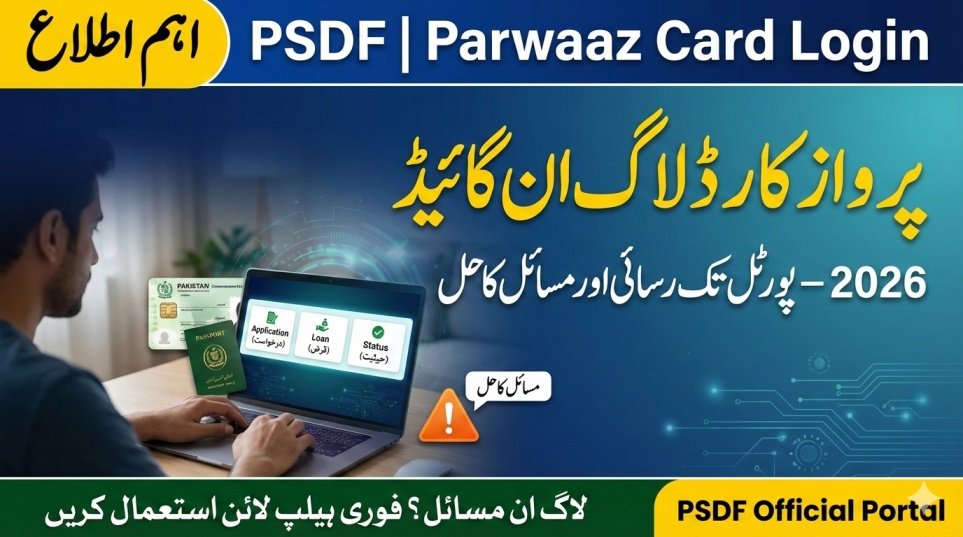
In the digital age, access to government services has moved from office windows to mobile screens. The PSDF Parwaaz Card Login portal is the central hub for all activities related to this scheme. whether you want to apply, check your application status, or view your repayment history, everything happens through this dashboard. However, many users face technical difficulties when trying to log in or navigate the site.
This article serves as a technical guide to mastering the PSDF Parwaaz portal, ensuring a smooth experience for all applicants.

Features of the Parwaaz Dashboard
Once you log in, the portal offers several features:
- Application Tracking: See exactly where your file is (Verification stage, Approval stage, etc.).
- Document Management: Upload or replace documents if requested by the authorities.
- Loan Statement: View how much loan has been approved and your repayment schedule.
- Notification Center: Receive important alerts about your flight booking or visa processing.

How to Create an Account and Login
If you are new, you cannot simply log in; you must register first.
Step 1: Registration
- Visit parwaaz.psdf.org.pk.
- Click “Register.”
- Enter your CNIC and Mobile Network.
- Verify the OTP sent to your phone.
Step 2: logging In
- Return to the homepage.
- Click “Login.”
- Enter your CNIC (User ID) and the Password you created.
- Enter the CAPTCHA code (if any) and hit Enter.

How to Apply via the Login Portal
Once inside the dashboard, the application process is straightforward:
- Click ‘New Application’: This button is usually prominent on the main screen.
- Fill Data: Complete the tabs for Personal, Professional, and Employment data.
- Save as Draft: If you don’t have all documents, you can save the form and log in later to finish it.
- Submit: Once finalized, press submit. You cannot edit the form after submission unless an objection is raised.
Common Login Issues and Solutions
Technology can sometimes fail. Here are common problems and how to fix them.
| Issue | Solution |
|---|---|
| Forgot Password | Click “Forgot Password” link. An OTP will be sent to your mobile to reset it. |
| Account Locked | If you enter the wrong password 5 times, wait for 30 minutes before trying again. |
| “User Not Found” | Ensure you are entering the CNIC without dashes (e.g., 1234512345671). |
| OTP Not Received | Check your mobile signal. If you have a converted network (MNP), delivery might delay. |
Help and Support
If the “Forgot Password” option isn’t working or the website is down, you need technical assistance.
- Tech Support Helpline: Call 042-111-11-7733.
- Browser Tip: Always use Google Chrome or Firefox for the best experience. Avoid using mini-browsers or VPNs, as the government firewall might block them.
- Social Media: You can message the official “Punjab Skills Development Fund – PSDF” Facebook page for guidance.
Conclusion
The PSDF Parwaaz Card Login portal is your gateway to a brighter future. It is designed to be secure and transparent, removing the need for middlemen and agents. By keeping your login credentials safe and checking the portal regularly, you stay in control of your application. If you encounter any errors, use the troubleshooting tips above or contact the helpline to keep your application moving forward.
Latest Updates
 Current Update! 8070 Web Portal Muft Atta Registration 2026: Complete Guide
 Exciting News! Nigehban Card Online Check by CNIC Number 2026
 Fresh Update! Maryam Ko Batain Web Portal 2026 – Online Registration & Rs 10,000 Relief Guide
 Latest Update! MKB Punjab Government App Complaints Guide 2026
 Big Chance! 9999 Web Portal Registration Online Ehsaas Program CNIC 2026
 Breaking News! Today Gold Rate in Pakistan – Live 24K, 22K, 21K Prices for 2026